Explore BillFlow 360

Every Tool Your Billing Team Needs

BillFlow 360 is organized into dedicated modules for each stage of the billing lifecycle. Finance teams, project managers, and management access the same platform with role-appropriate views.

Dashboard

Centralized control panel for billing operations.

The Dashboard provides an at-a-glance view of billing status, revenue, receivables, and key performance indicators. Finance heads and management start here for current operational data.

Capabilities

  • Organization-wide KPI summary
  • Quick access to pending approvals and overdue items
  • Unit and project performance overview
  • Configurable widgets for role-specific views
app.billflow360.com
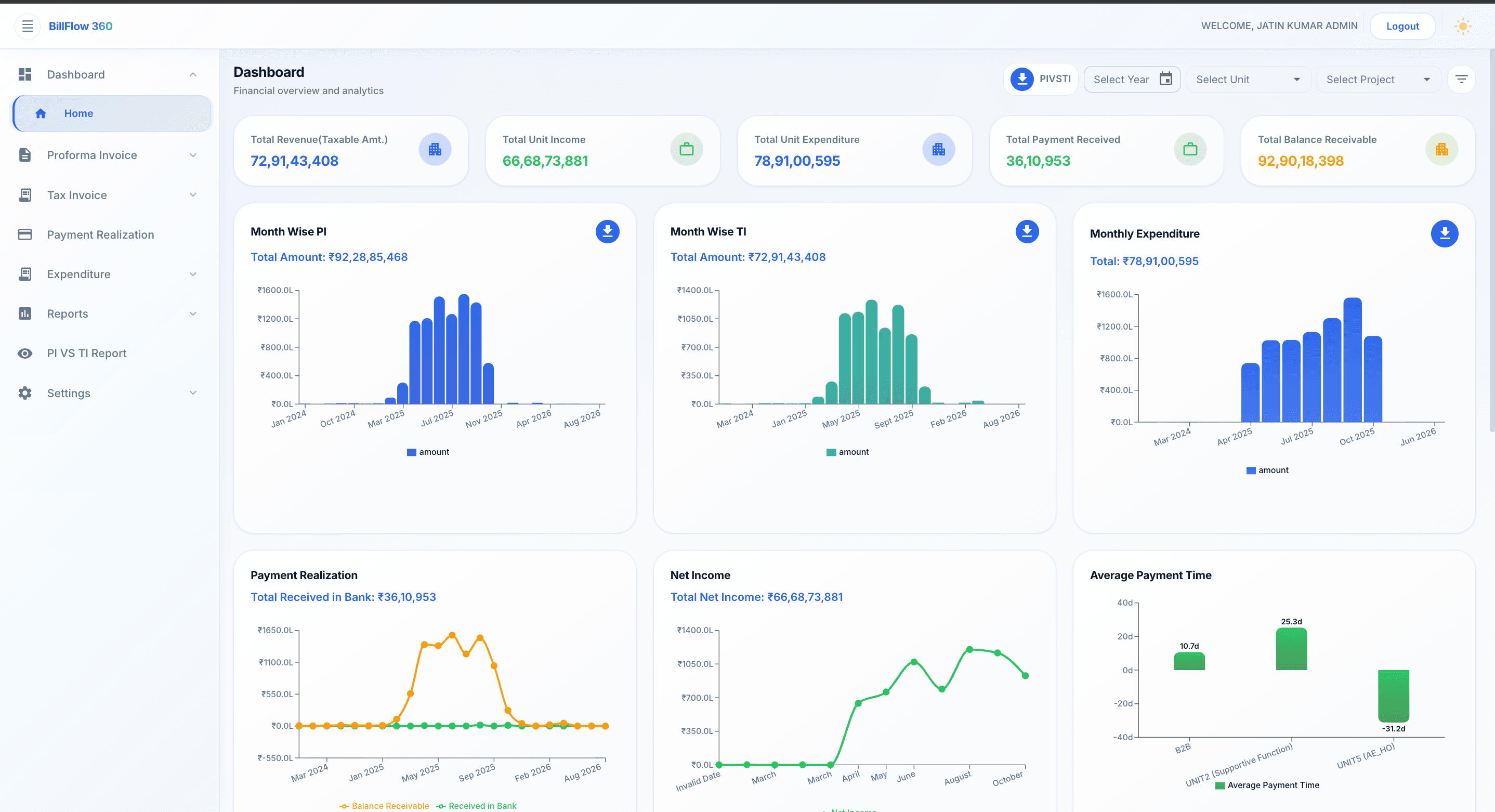
Dashboard — BillFlow 360 module preview

Proforma Invoice

Draft, review, and approve proforma invoices before tax invoice generation.

Create proforma invoices with structured line items, project and unit assignment, and approval routing. Approved proformas convert directly to tax invoices without re-entry.

Capabilities

  • Structured proforma invoice creation
  • Project and business unit mapping
  • Invoice editing and version tracking
  • Complete invoice history
app.billflow360.com
Proforma Invoice — BillFlow 360 module preview

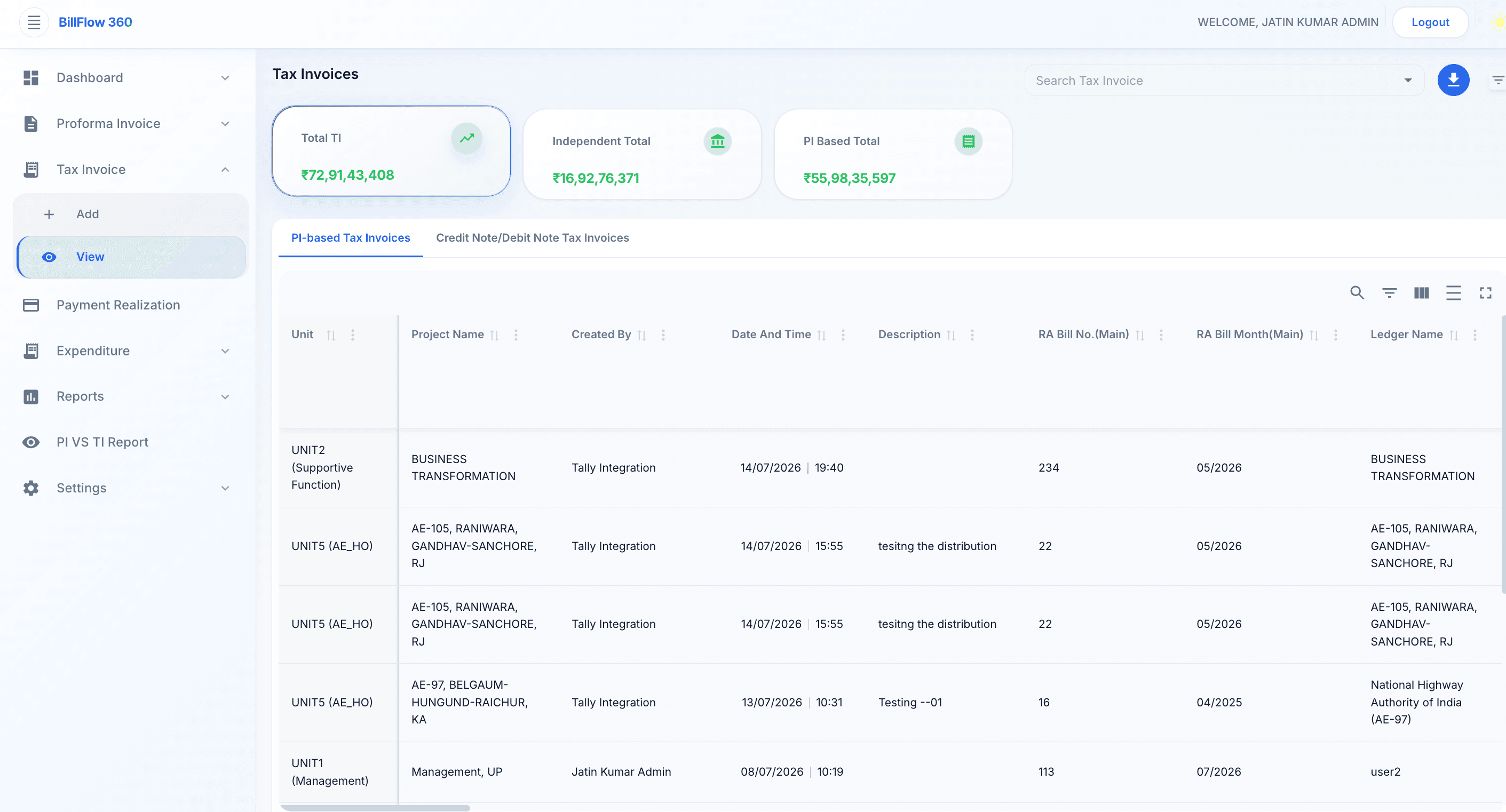
Tax Invoice

Generate compliant tax invoices from proformas.

Generate tax invoices with standardized numbering, tax calculations, and complete traceability. Every issued invoice is securely maintained for reporting and audit purposes.

Capabilities

  • Automated tax invoice generation
  • GST and tax compliance
  • Sequential invoice numbering
  • Complete audit history
app.billflow360.com
Tax Invoice — BillFlow 360 module preview

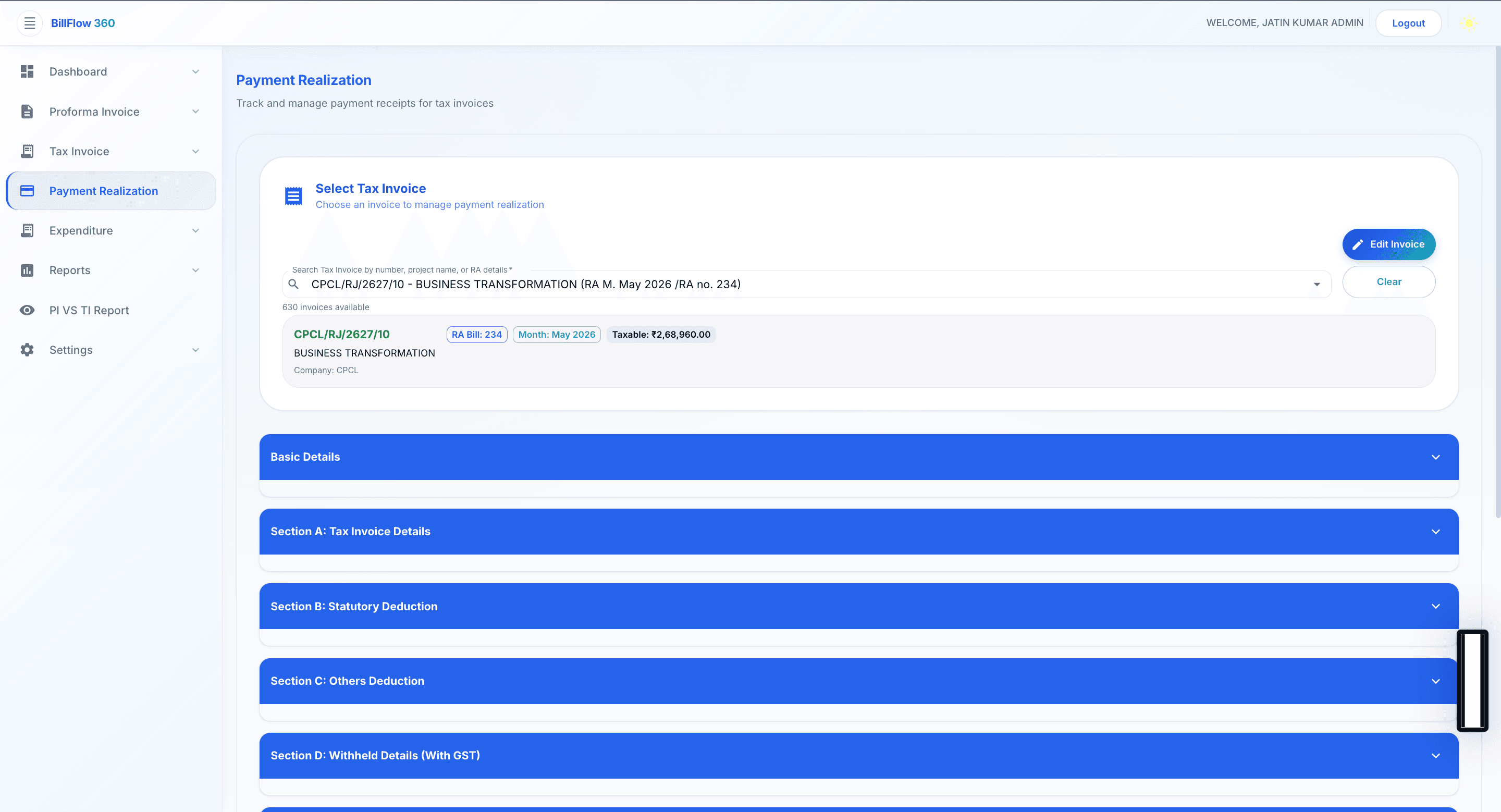
Payment Realization

Record, track, and reconcile incoming payments against issued invoices.

Log payments as they are received and match them to outstanding tax invoices. Finance teams maintain accurate receivable balances without separate tracking tools.

Capabilities

  • Payment entry and invoice matching
  • Partial and full payment recording
  • Outstanding balance calculation
  • Payment history by client and project
app.billflow360.com
Payment Realization — BillFlow 360 module preview

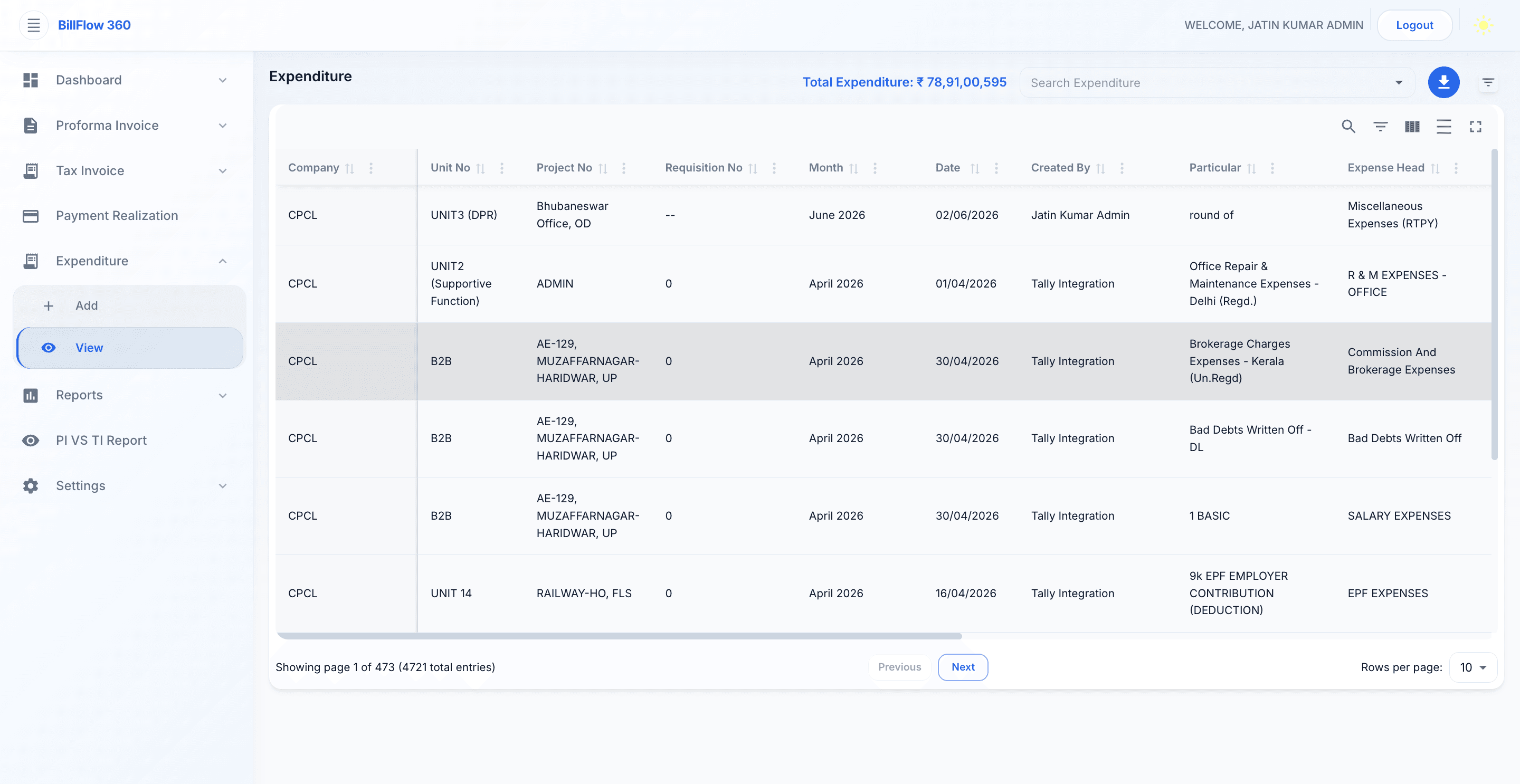
Expenditure

Track outgoing costs against projects and units.

Record expenditures with project and unit assignment to support net income analysis. Finance teams compare billed revenue against costs from a single platform.

Capabilities

  • Expenditure entry and categorization
  • Project and unit assignment
  • Cost tracking against budget lines
  • Integration with profitability reports
app.billflow360.com
Expenditure — BillFlow 360 module preview

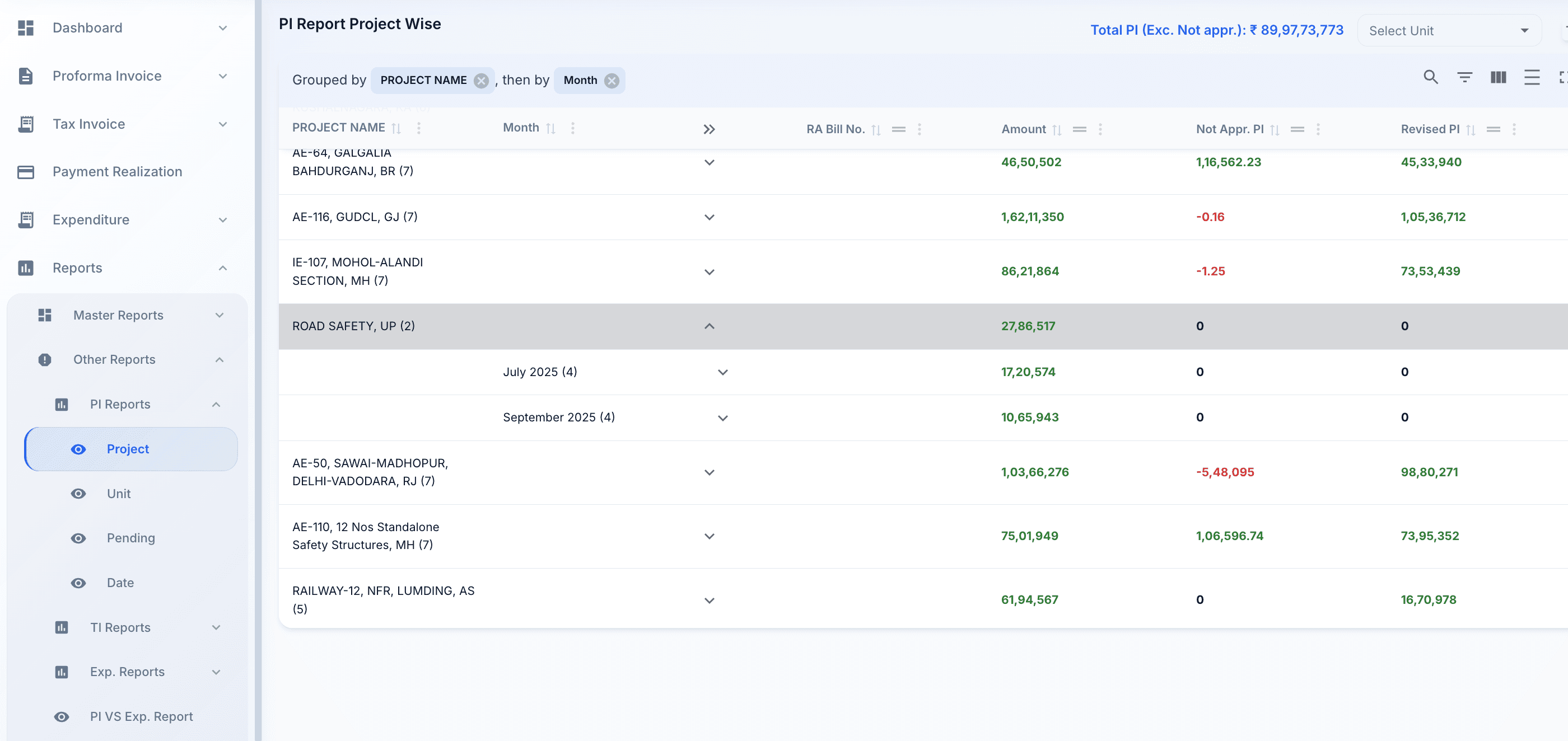
Reports

22+ Enterprise Reports project-wise, unit-wise, master, and financial reports from live data.

BillFlow 360 produces structured reports without manual compilation. Comprehensive reports covering billing, invoices, payments, expenditures, and financial analytics. Finance teams, project managers, and business heads access consistent figures scoped to their requirements.

Capabilities

  • Project-wise financial reports
  • Unit-wise consolidated reports
  • Master reports across the organization
  • Export for further analysis
app.billflow360.com
Reports — BillFlow 360 module preview

Analytics

Revenue trends, financial insights, and performance analysis.

Analytics modules transform billing and payment data into visual reports revenue trends, receivable aging, and unit performance updated as transactions occur.

Capabilities

  • Revenue analytics by period, project, and unit
  • Financial insights for management review
  • Receivable aging and payment analysis
  • Trend charts and comparative views
app.billflow360.com
Analytics — BillFlow 360 module preview

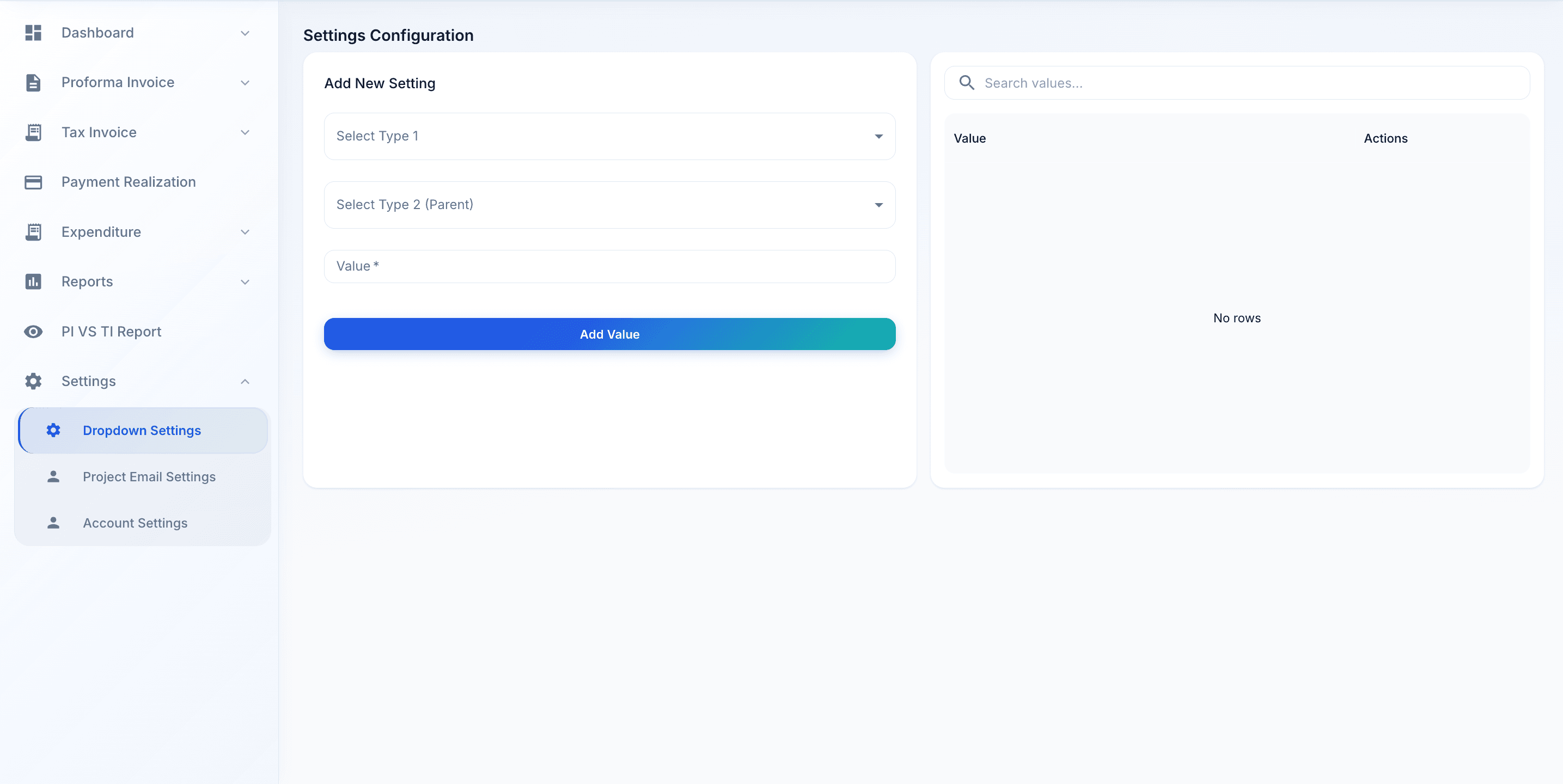
Settings

Configure billing rules, system parameters, and organizational structure.

Administrators define business units, projects, billing parameters, and system behavior without custom development. Settings changes are logged in the audit trail.

Capabilities

  • Business unit and project configuration
  • Billing parameter setup
  • Invoice numbering and tax rules
  • System preferences and defaults
app.billflow360.com
Settings — BillFlow 360 module preview

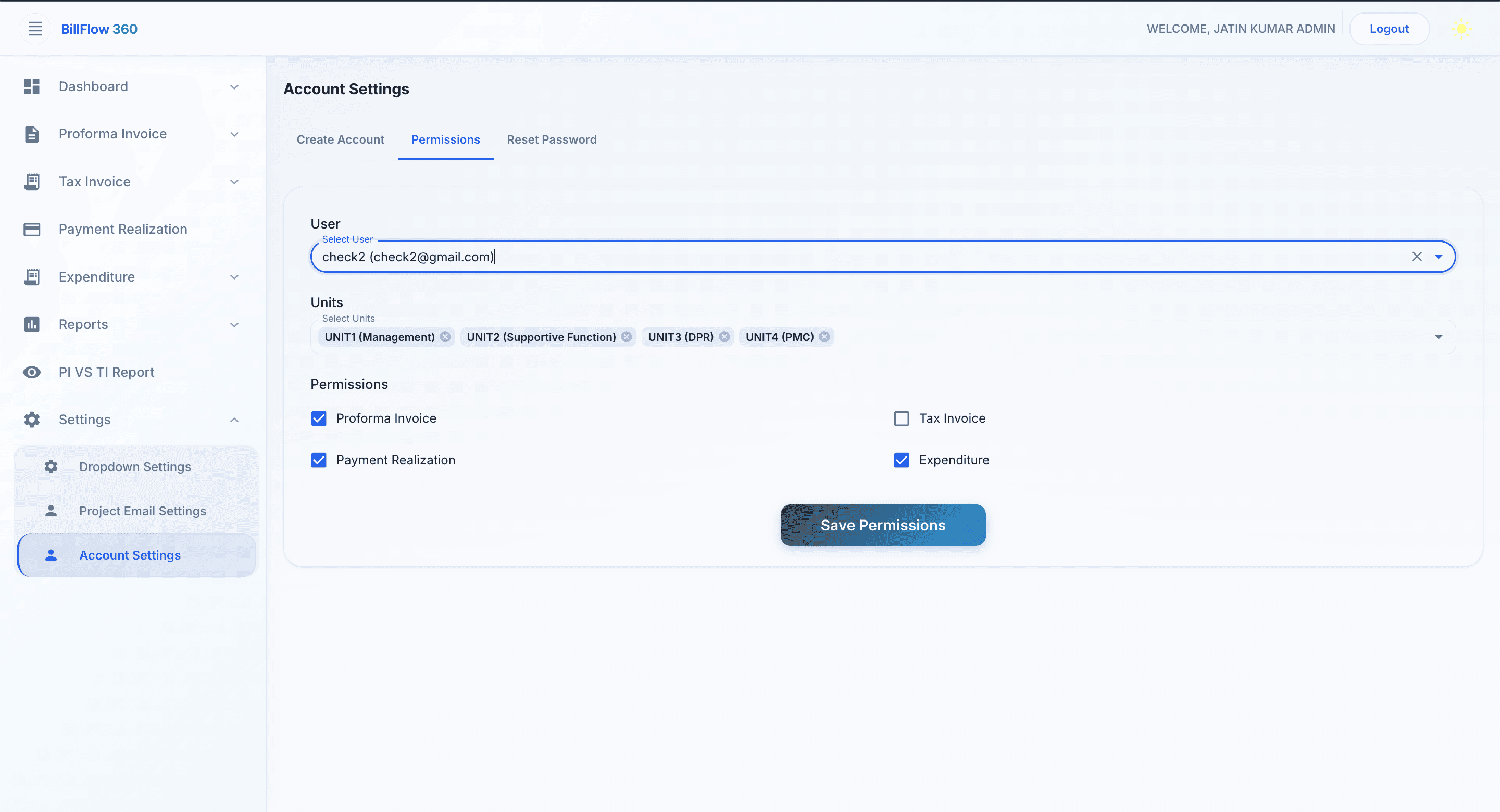
User Permissions

Role-based access control across modules, units, and projects.

Define who can view, create, approve, and modify billing data. Permissions are configured by role and scope ensuring users access only what their responsibilities require.

Capabilities

  • Role definition and assignment
  • Module-level access control
  • Unit and project scoping
  • Permission audit and review
app.billflow360.com
User Permissions — BillFlow 360 module preview

Explore More

Related Pages

Product Features

Capabilities across the full BillFlow 360 platform

Solutions

Industry-specific billing solutions

Pricing

Enterprise pricing plans

Get Started

Explore BillFlow 360 in Action

Book a demo and walk through every module — from proforma creation and tax invoicing to payment tracking and executive reporting.